
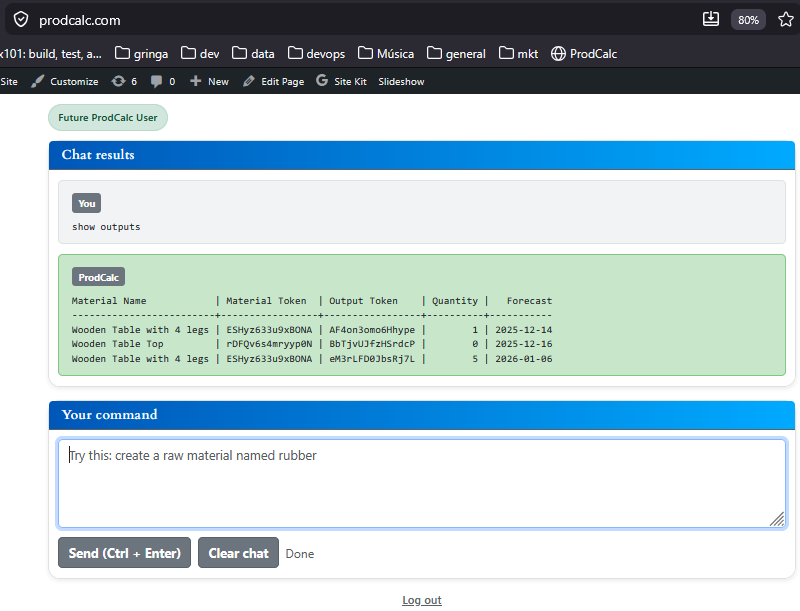
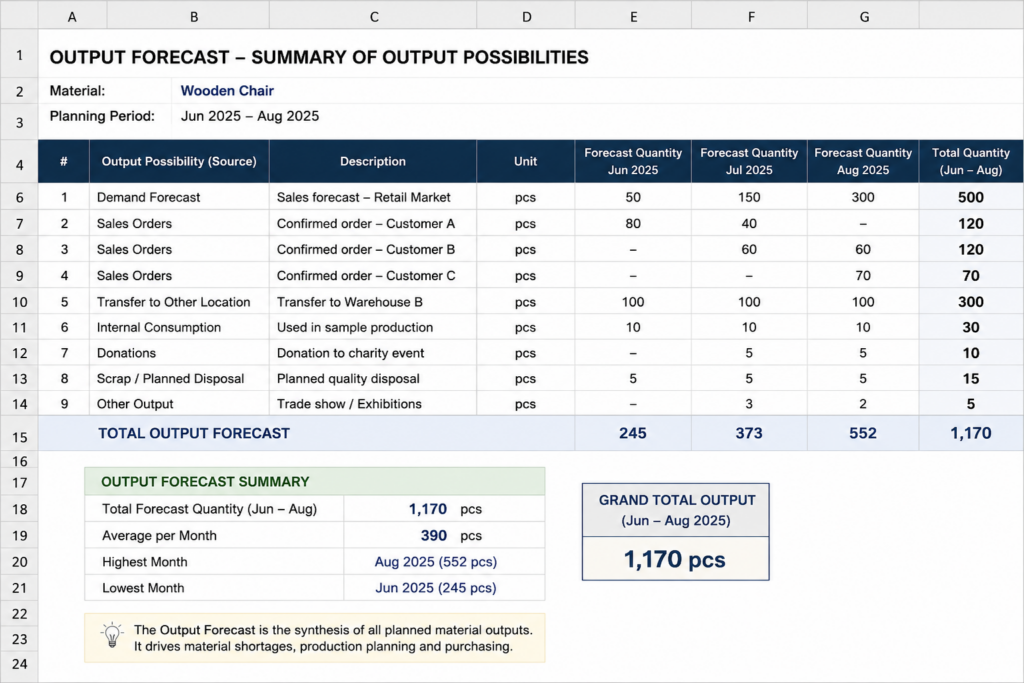
The Output Forecast represents how much of a material is expected to leave your company and when.
It is the synthesis of every planned material output.
Instead of managing demand forecasts, sales orders, warehouse transfers, and other outgoing operations separately, ProdCalc consolidates them into a single Output Forecast that drives production planning, purchasing, and shortage calculations.
What contributes to the Output Forecast?
Any planned operation that will remove material from inventory can contribute to the Output Forecast, including:
- Demand forecasts
- Sales orders
- Transfers to other warehouses or locations
- Internal consumption
- Sample production
- Donations
- Scrap or planned disposals
- Any other planned material output
By combining all these sources into a single forecast, ProdCalc provides one reliable view of future demand.
Why is the Output Forecast important?
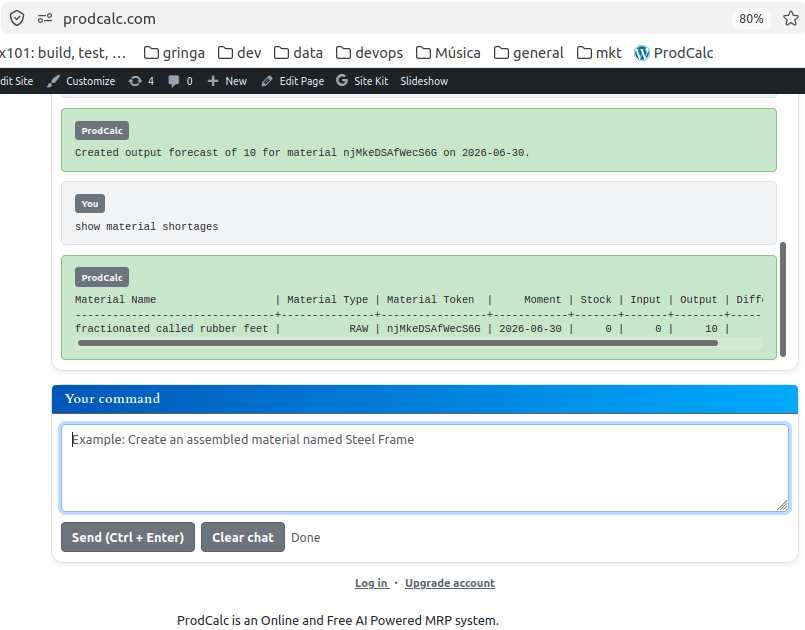
The Output Forecast is one of the main inputs used by ProdCalc to calculate Material Shortages.
Every time new expected demand is added, modified, or removed, ProdCalc recalculates future inventory availability.
This allows shortages to be detected before production stops.
Can the Output Forecast be reduced?
Yes.
The Output Forecast represents planned demand, not completed demand.
As planned outputs actually occur—for example:
- products are shipped,
- materials are transferred,
- materials are consumed internally,
the corresponding quantity can be reduced from the Output Forecast.
Reducing the forecast indicates that the planned demand has been fulfilled.
Inventory movements
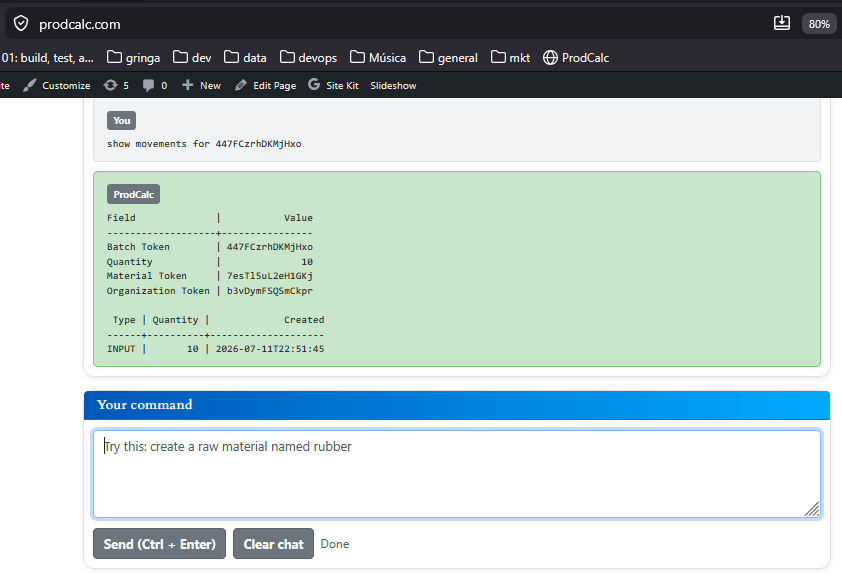
Reducing an Output Forecast also generates output movements in the inventory batches that supplied the material.
This keeps inventory balances accurate while maintaining complete batch traceability.
Every shipped or consumed quantity is linked to the batches from which it originated.
Examples
Example 1 — Demand Forecast
The sales department estimates that 500 wooden chairs will be sold during August.
An Output Forecast is created:
- Material: Wooden Chair
- Quantity: 500
- Expected date: August 31
Even before any customer places an order, this expected demand affects Material Shortages.
Example 2 — Sales Order
A customer orders 120 wooden chairs for delivery on August 15.
The sales order contributes to the Output Forecast, increasing the expected material demand.
This may immediately generate shortages if inventory is insufficient.
Example 3 — Warehouse Transfer
The company plans to transfer 300 aluminum profiles to another warehouse.
Although nothing is sold, the material will leave the current inventory.
Therefore, the transfer contributes to the Output Forecast.
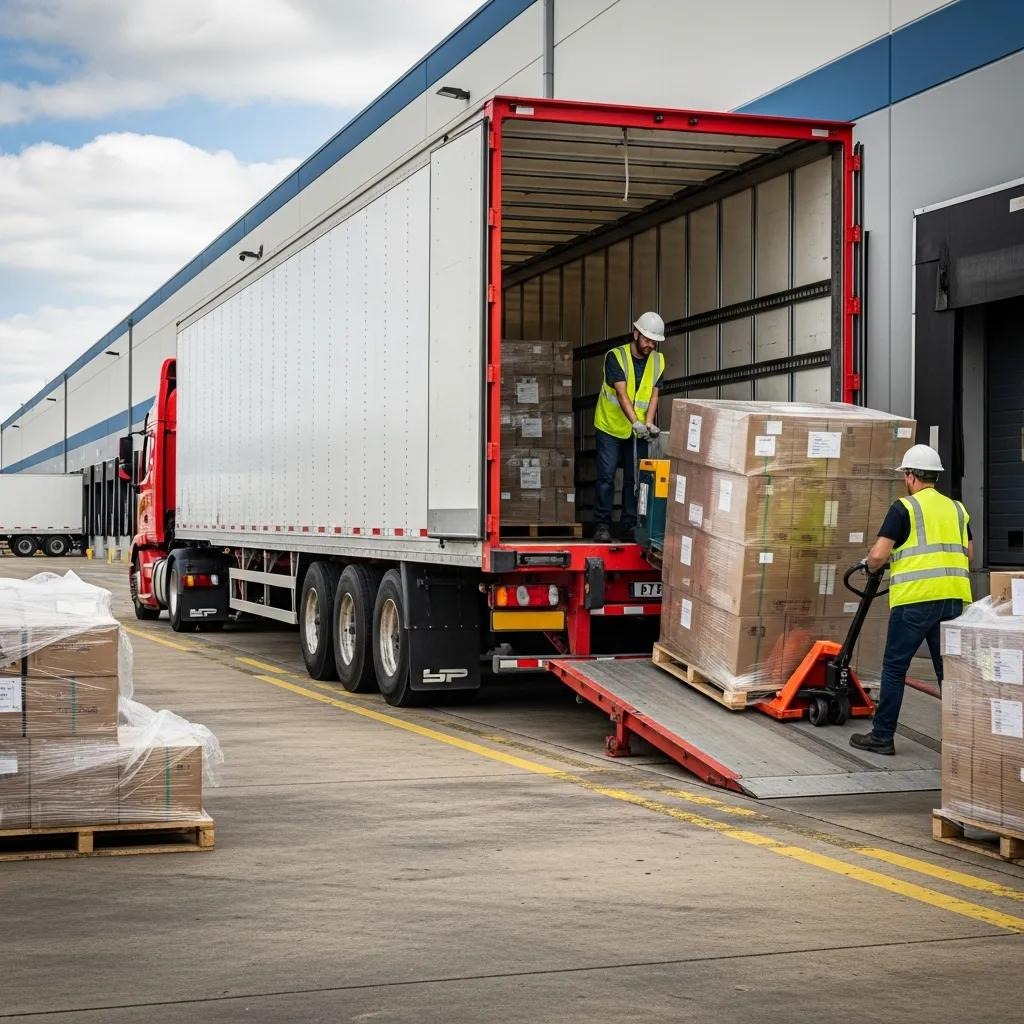
Example 4 — Shipment Completed
The company ships 120 wooden chairs.
ProdCalc:
- reduces the Output Forecast by 120 units;
- creates output movements in the inventory batches used to fulfill the shipment;
- updates inventory balances;
- recalculates Material Shortages.
The remaining forecast continues to represent future planned demand.
Summary
The Output Forecast is the single source of truth for future material demand.
By synthesizing every planned material output into one forecast, ProdCalc can:
- calculate Material Shortages;
- plan production;
- plan purchasing;
- keep inventory synchronized with future demand;
- maintain complete batch traceability as planned outputs become real inventory movements.
Try It Yourself
Open the ProdCalc AI and type:
Create an output forecast of 500 Wooden Chairs for August.
Then add more expected outputs:
Add a sales order of 120 Wooden Chairs for August 15.
Add a transfer of 80 Wooden Chairs to Warehouse B for August 20.
Add an internal consumption of 20 Wooden Chairs for product demonstrations.
ProdCalc will consolidate all these planned outputs into a single Output Forecast, which is used to calculate material shortages, production requirements, and purchasing needs.
Later, when the 120 chairs are shipped to the customer, simply type:
Reduce the Wooden Chair output forecast by 120 units.
ProdCalc will reduce the Output Forecast, create the corresponding output movements in the inventory batches, and recalculate the remaining material shortages.