
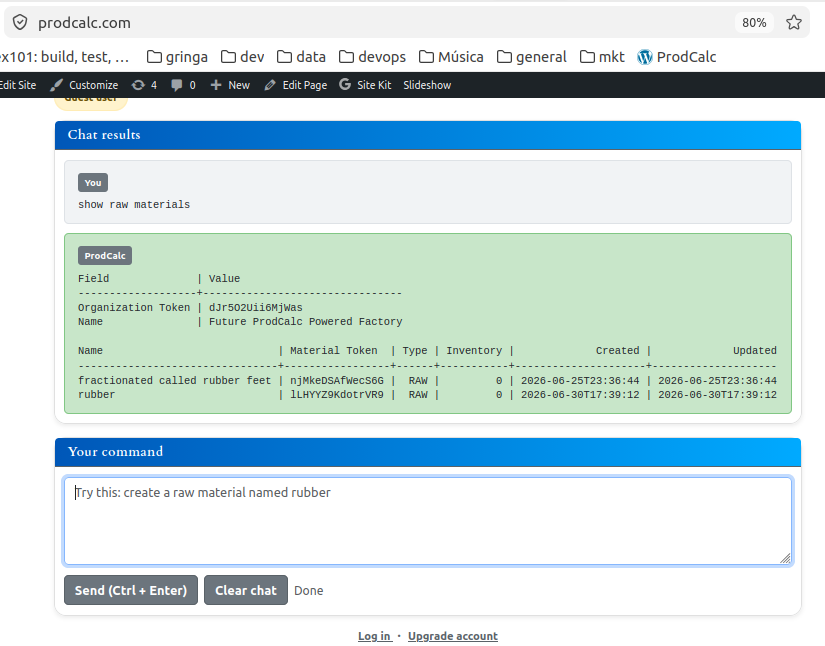
Raw materials are the foundation of every manufacturing process. Before a company can build a finished product, it must first purchase the materials and components required for production.
In ProdCalc, a raw material is any item purchased from another company and consumed during manufacturing. Whether it is transformed into another product or simply assembled into one, it should be registered as a raw material.
Types of Raw Materials
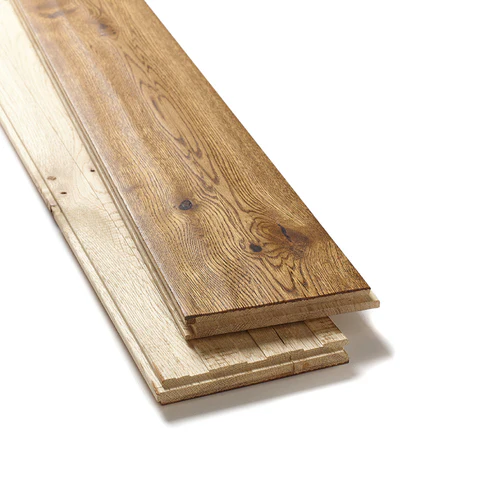
Pure Materials
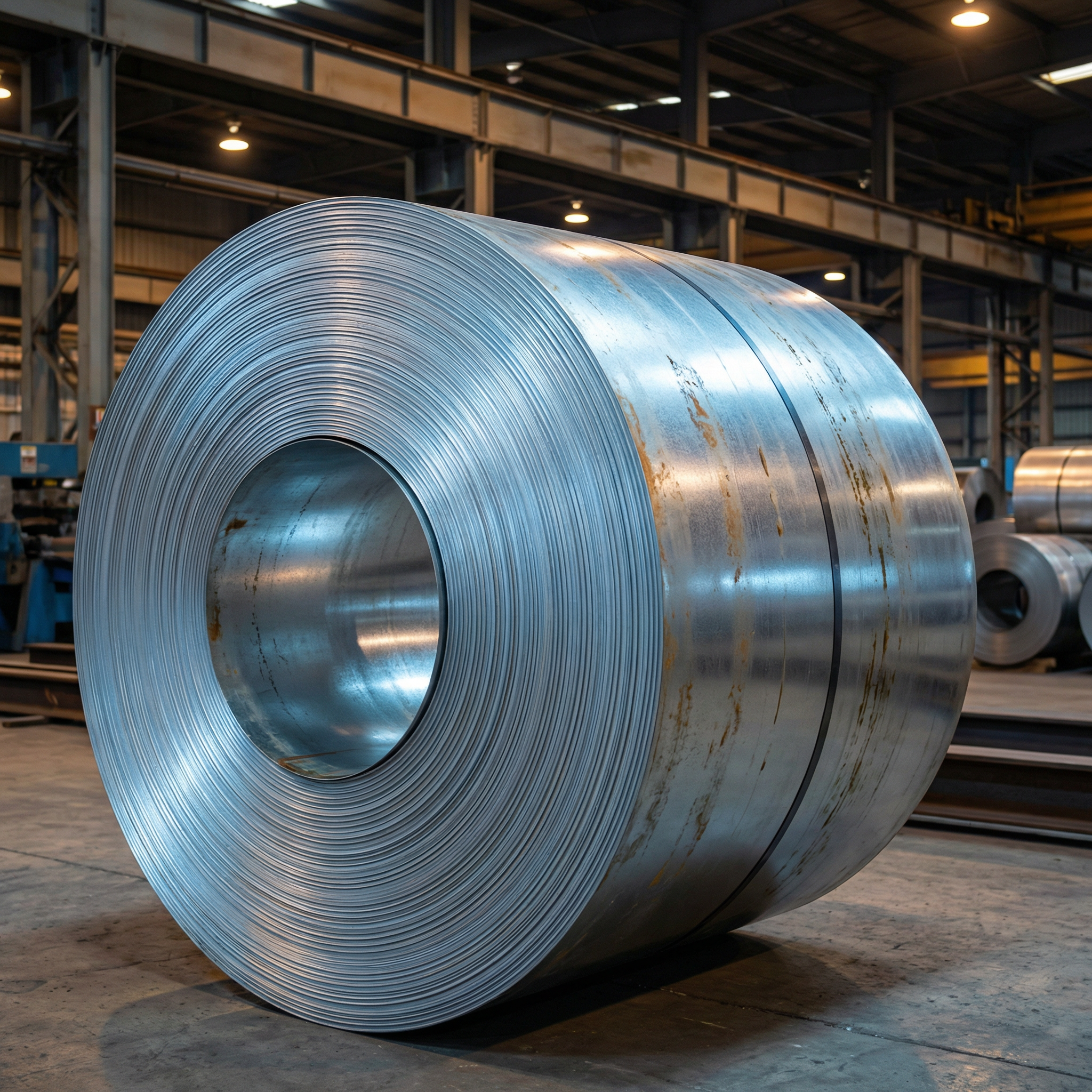 | 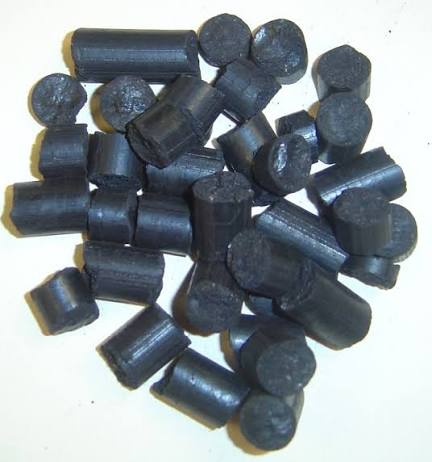 | 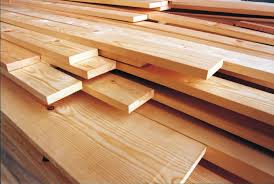 |
Pure materials are obtained directly from nature or basic industrial processing.
Examples include:
- Wood
- Steel
- Aluminum
- Copper
- Plastic resin
- Glass
- Oil
These materials are later transformed into other products during manufacturing.
Preprocessed Materials
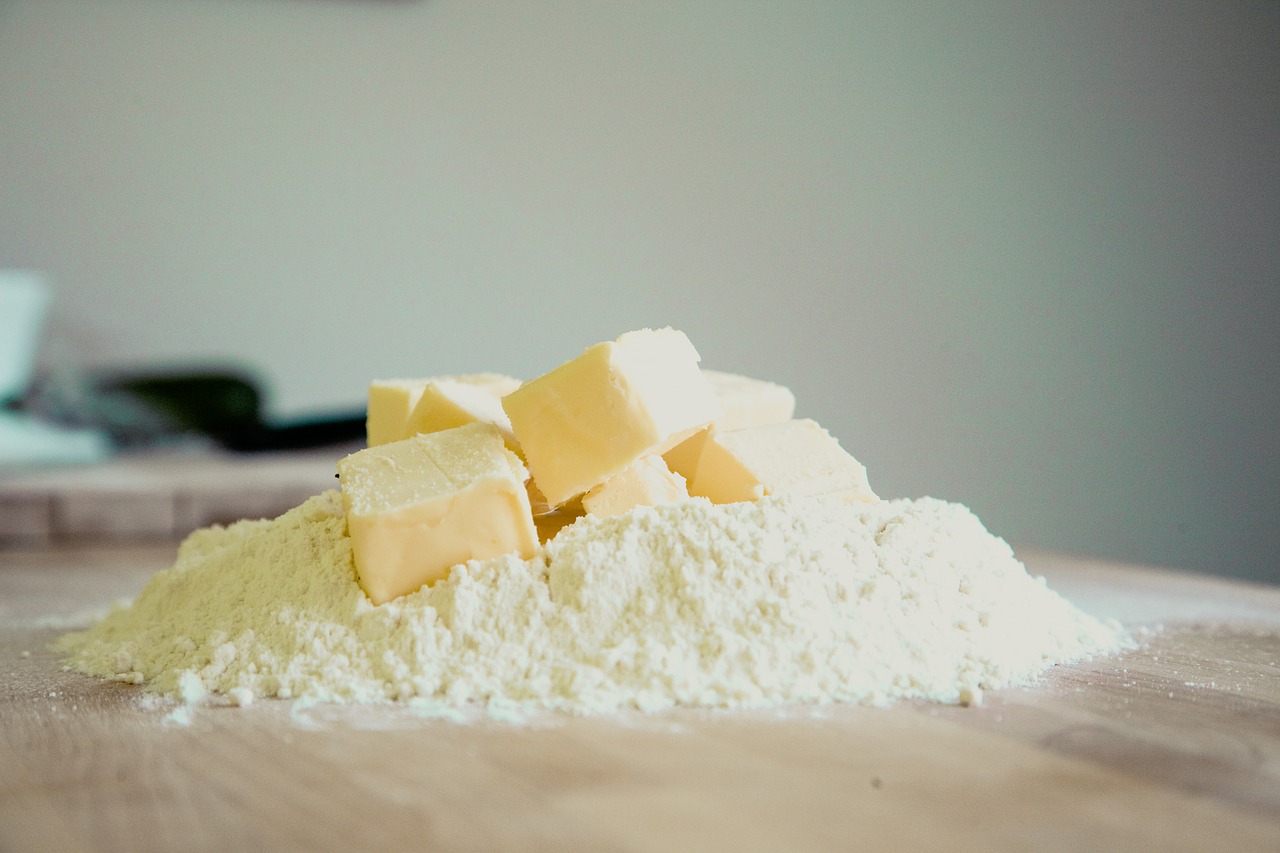 | 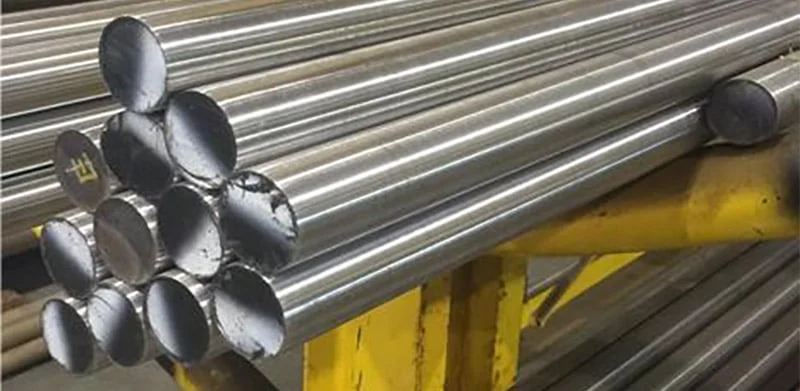 |  |
Preprocessed materials have already been manufactured by another company before reaching your factory.
Examples include:
- Flour
- Fabric
- Steel tubes
- Rubber sheets
- Paint
- Plywood
Although another manufacturer produced them, they are still raw materials because your production process consumes them.
Purchased Components
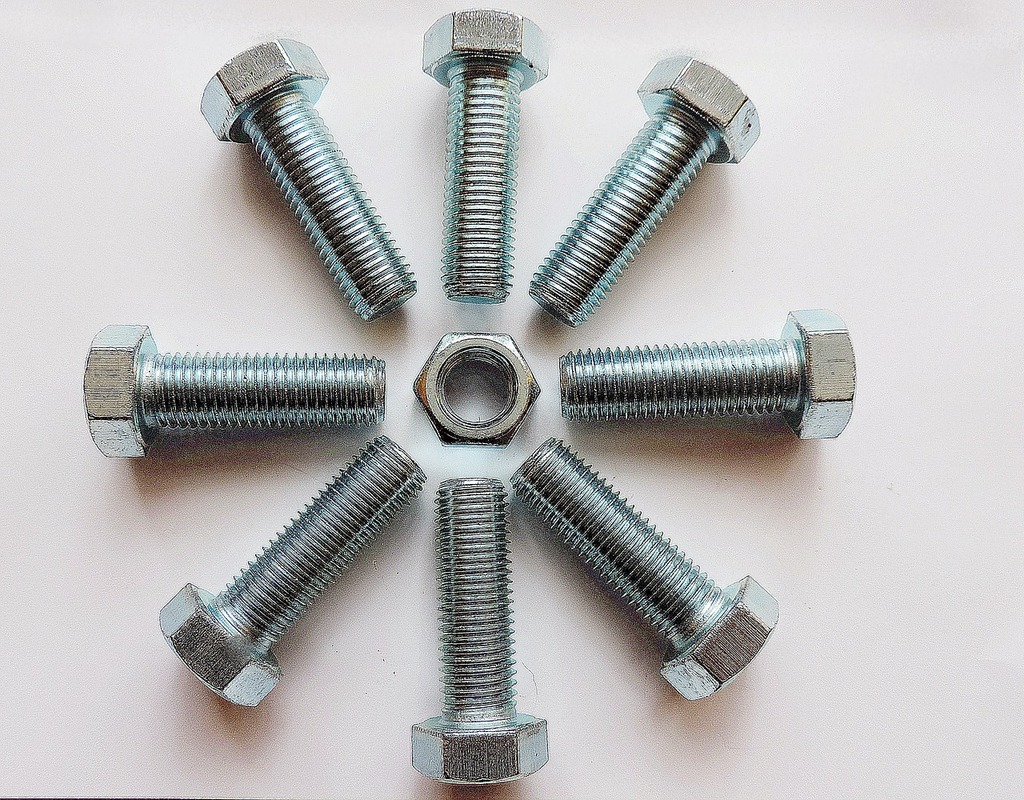 | 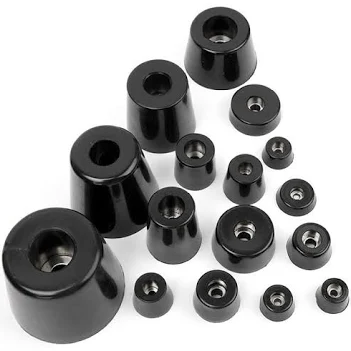 |  |
Many manufacturers purchase ready-made components instead of producing them.
Examples include:
- Screws
- Nuts
- Bearings
- Nails
- Springs
- Rubber feet
- Electric motors
Inside ProdCalc these are also treated as raw materials because they become part of another product.
Why Register Raw Materials?
Every Bill of Materials references one or more raw materials.
When a Production Order is created, ProdCalc automatically calculates:
- Current stock
- Required quantity
- Planned consumption
- Incoming deliveries
Using this information, ProdCalc determines whether production can begin.
Material Shortages
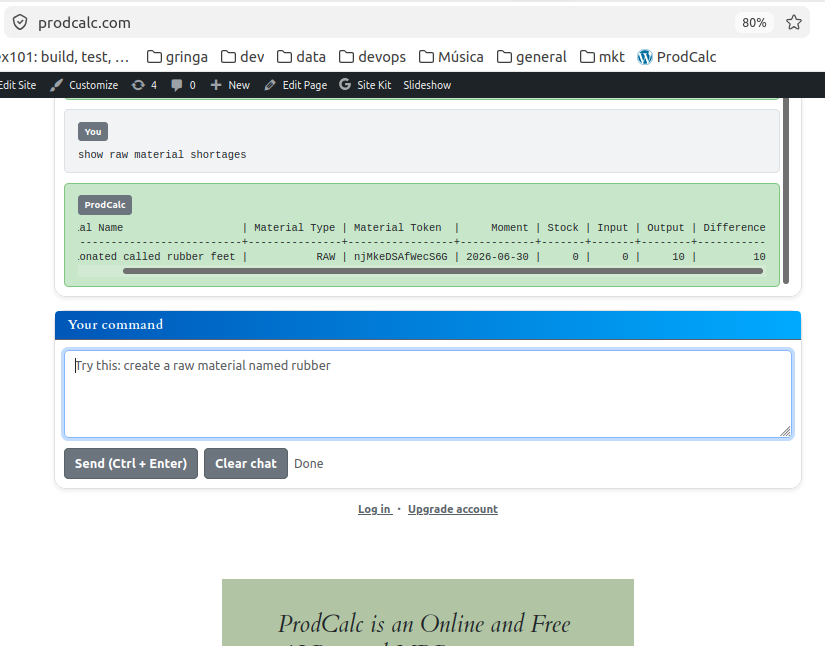

When inventory is insufficient, ProdCalc immediately identifies the missing materials.
In this example, the production order requires 10 rubber feet, but inventory contains none.
The report clearly shows:
- Stock: 0
- Input: 0
- Output: 10
- Difference: 10
Instead of discovering the problem on the shop floor, the shortage is identified before production starts.
Resolving Material Shortages
When a shortage exists, create an Input Forecast.
An Input Forecast represents an expected supplier delivery.
After creating it, ProdCalc automatically considers those incoming quantities when calculating future material availability.
This allows purchasing and production teams to verify whether planned deliveries will satisfy upcoming production orders.
Best Practices
✔ Register every purchased item before creating Bills of Materials.
✔ Keep inventory quantities updated.
✔ Create Input Forecasts whenever purchase orders are issued.
✔ Review Material Shortages before starting production.
Try It Yourself
Open the ProdCalc AI and type:
Create a raw material named Rubber Feet
or
Show material shortages
No forms.
Just describe what you need.